How to Present a Prize Draw on Stage, on a Big Screen or Live Stream
Run a prize draw people remember: choose the right draw screen, script the moment, show the entry count and handle absent winners on stage or on stream.
By the Winologic team · Updated: · How we write our guides
To present a draw well, finish collecting entries before you go on stage, test the screen and connection, pick a draw style that suits the room, explain the rules in one breath, show the number of participants, reveal the winner with a short build-up and have a backup winner ready if nobody steps forward.
Prepare the technical side first
A draw that stutters kills the mood. Before the event, connect your laptop to the projector or screen you will actually use, set it to full screen, check the sound and make sure the internet connection is reliable if entries are still arriving online.
Close the entry list a little before the draw, check the final participant count, and keep a spare device logged in. If you are streaming, do a short test with the same scene and screen share you plan to use.
Choose a draw screen that suits the room
Winologic offers seven draw screens, and each creates a different feeling. Choose by crowd size and how much time you have, not by which looks fanciest. If you are unsure, test two screens on the real equipment and see which one reads better from the back of the room.
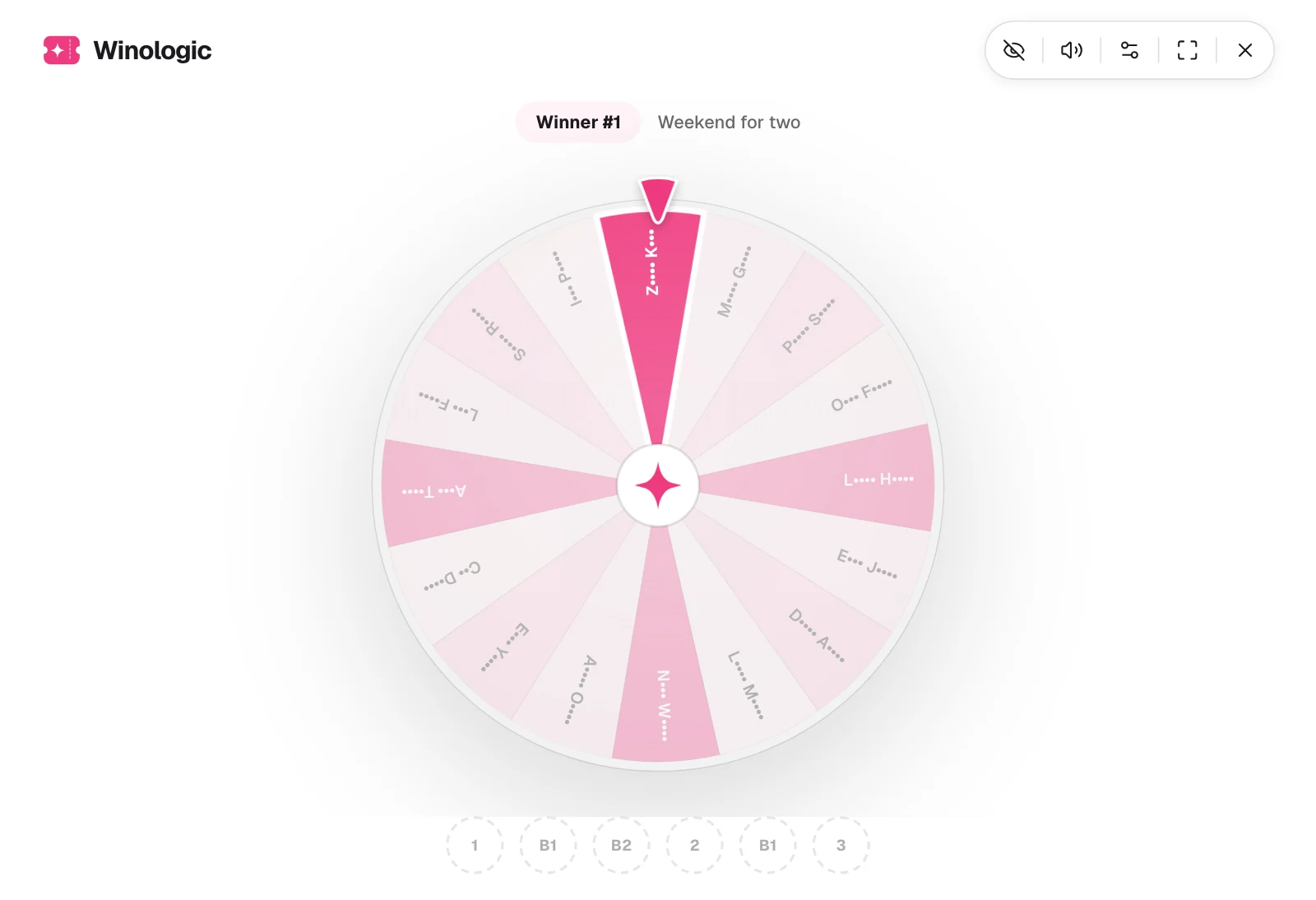
A wheel of fortune is instantly understood by large audiences, a slot machine is fast and playful, and a countdown builds tension before a major prize. Use a calmer screen for a small, formal setting. Different prizes can use different screens, for example a quick one for small prizes and a dramatic one for the grand prize.
- Wheel of fortune: big crowds, clear suspense
- Slot machine: quick, playful draws
- Card shuffle and name shuffle: a classic, readable reveal
- Elimination: names drop out until one remains
- Countdown: a short build-up before the top prize
- Scratch card: a personal, tactile reveal
Script the thirty seconds before the reveal
Say three things before you start: how people entered, how many entries there are and how many prizes will be drawn. This tells the room the draw is fair and gives latecomers context. Practise the lines aloud once; a draw sounds smooth only if you have said it before.
Keep the build-up short, then let the animation run. Resist the urge to talk over the reveal, because the pause before the name appears is where the excitement sits. Ask the audience to cheer on the countdown if the screen allows it, because shared noise lifts the whole room.
Make fairness visible
Show the participant counter, mention that backup winners are drawn too, and tell people that a public results page will list the winners, their ticket numbers and the time of the draw. Behind the scenes, Winologic saves each draw with its random seed and a fingerprint of the entry list, both kept in your dashboard.
If the draw is part of a live stream, point out that the list was closed before the draw began, so viewers know no entries were added to suit the result. A visible, recorded draw is the strongest answer to a sceptical question from the audience.
Keep the energy up across several prizes
With several prizes, order matters. Start with the smaller ones to warm up the room and leave the main prize for the end, and announce at the beginning how many prizes there are so people know the evening has a finale. Pause between draws long enough to hand over each prize and take a photo.
Winologic lets each prize have its own number of winners and backups, and drawn people leave the pool automatically, so nobody can win twice by accident. That keeps a long evening of draws simple, and you can stay focused on the audience instead of the list.
Have a plan for a winner who is not there
At an event, call the winner's name or number clearly, wait a few seconds, and if nobody steps forward, move to the backup winner and say so. State this rule at the start so it does not feel arbitrary. Put a person in charge of the stage logistics so that the host does not have to look for the winner.
For online streams, ask winners to reply in the chat or by direct message within a time limit, and use backups if they do not. Make the deadline short, because a stream audience moves on quickly, and read the backup winner's name aloud if the first one is silent.
Step by step
- 01Close the entries
Stop accepting entries before the draw and confirm the final participant count.
- 02Test the screen
Connect to the projector or stream scene, go full screen and check the sound and connection.
- 03Select the draw style
Pick the wheel, slot machine, countdown or another screen that matches the crowd and the time you have.
- 04Explain the rules briefly
Tell the audience how people entered, how many entries there are and how many prizes will be drawn.
- 05Reveal and celebrate
Run the draw, let the animation play, then call the winner clearly and hand over the prize or take the next step.
- 06Use backups if needed
If nobody responds within the time you stated, move to the backup winner and say so openly.
Frequently asked questions
Which draw screen is best for a big crowd?
+
The wheel of fortune and the slot machine are easy to follow from a distance. A countdown works well when you want to build tension before the main prize.
How long should a stage draw take?
+
Keep each prize to about a minute from announcement to winner. Longer than that and the room loses interest, unless the prize is the highlight of the evening.
What if the winner is not in the room?
+
State the rule in advance, call the name or number a couple of times, wait a few seconds and move to the backup winner. Having the rule announced before the draw makes it feel fair.
Can I stream the draw to people who are not at the event?
+
Yes. Share the draw screen in your streaming software, close the entry list first and tell viewers how winners will be contacted. A recorded stream also serves as proof of the draw.
Related guides
All guidesPlan a live raffle for an event: show a QR code on screen, collect entries from the crowd, close on time and draw winners on stage with backups ready.
See when a spin-the-wheel giveaway is the right format, when to choose another draw screen, and how to keep a wheel draw honest and easy to trust.
Run giveaways on your live stream the right way: choose an entry format for chat, collect entries, draw on screen and handle winners safely and fairly.